Add one photo of yourself
We check it on your phone first, so you don’t waste a try-on on a blurry or dark picture.
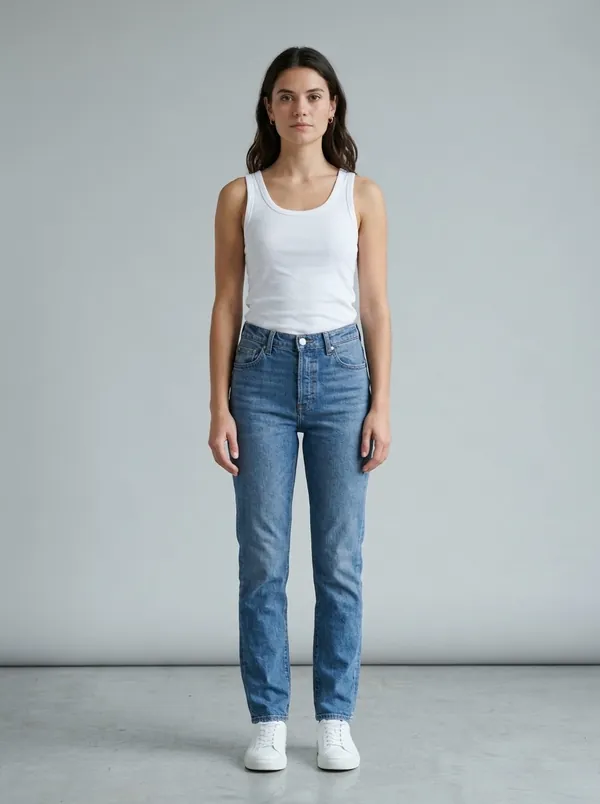
Add one photo of yourself, pick any outfit, and see how it looks on you. From a shopping app, a shop’s QR tag, or a screenshot in your gallery.
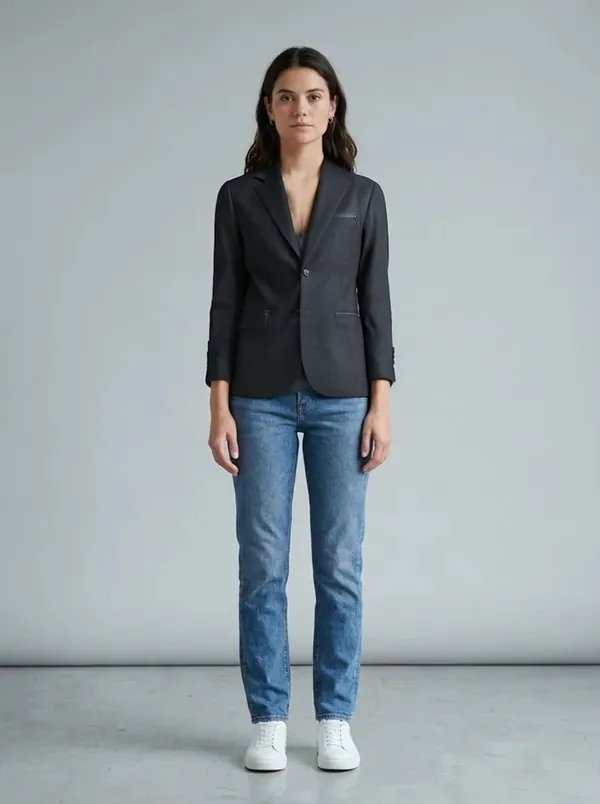
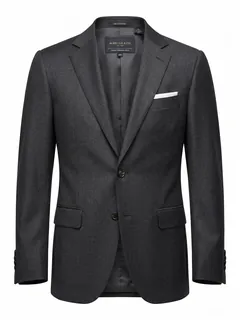
Drag the line to compare
No measuring tape, no trial room queue. One good photo is all it takes, and you can use it again for every try-on.
We check it on your phone first, so you don’t waste a try-on on a blurry or dark picture.
Compare with your photo, save the look to your Closet, or share it with someone whose opinion you trust.
Whether you found it on Instagram, in a shopping app or on a rack in your local market, you can see it on you.
Every try-on comes with a compare view. Drag the line to see exactly what changed.
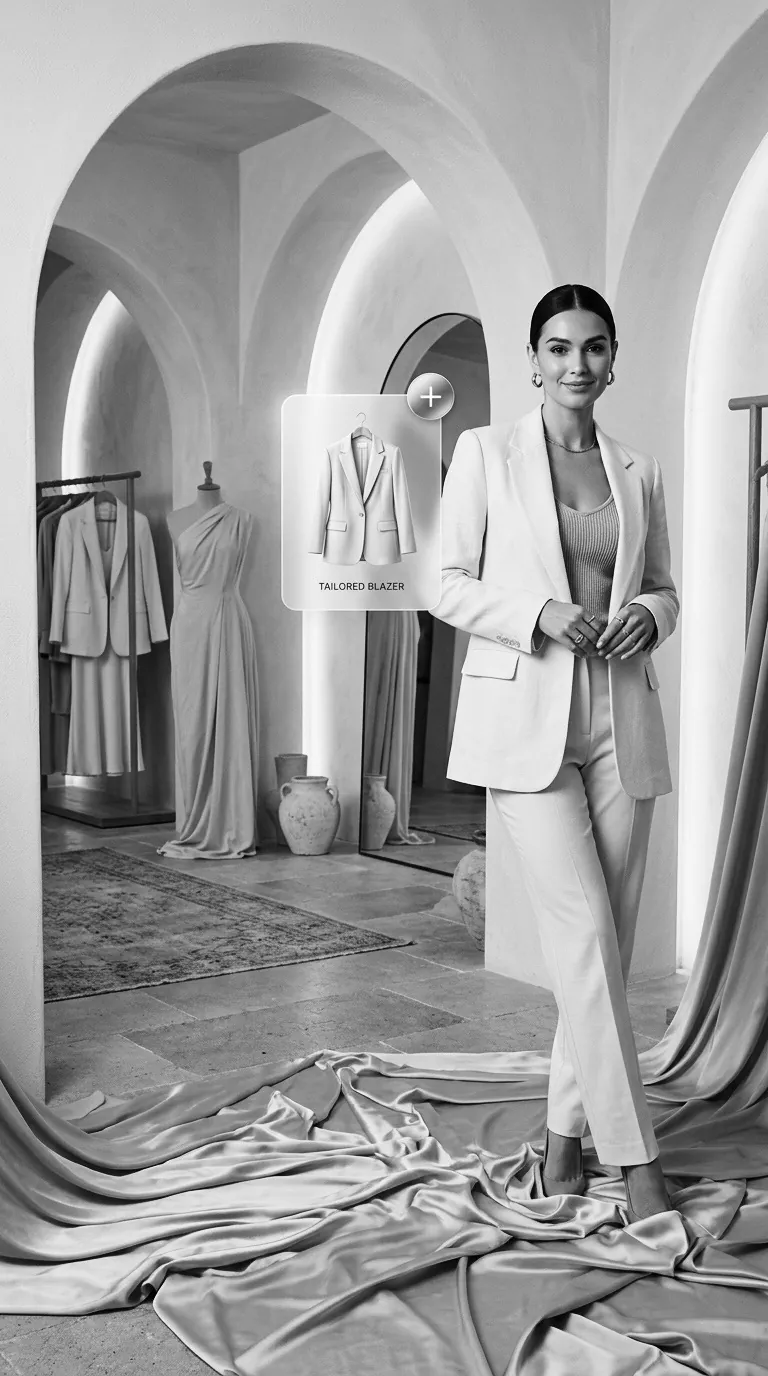
Tap Share on a product, pick Try On AI, and the clothes are ready to try.

Shops using TryOn Business hang QR tags on their clothes. Scan one at the rack and see it on you. Those try-ons are covered by the shop.
Before anything is sent, the app checks your photo on your phone.
Saved looks, favourites and clothes you uploaded live together, on your phone.
Use the app in English or ten Indian languages.
You get 3 free try-ons every day. If you choose to help improve Try On AI in Profile › Privacy & data, you get one more each day. You can turn it off any time.
We built Try On AI so people feel safe adding a photo of themselves. Here is what that means in practice.
Your photo and the clothes are processed in memory to make the try-on, then discarded. They aren’t kept on our servers.
Saved looks, uploaded clothes and your saved photo stay in the app’s storage on your phone. Delete them whenever you like.
We don’t sell, rent or trade your photos or personal data. Shops see totals only, never your photo or name.
“Help improve TryOn AI” is off unless you turn it on. If you do, photos are kept for up to 30 days, then deleted.
Everything between the app and our servers travels over encrypted HTTPS.
Profile › Delete account and data removes your account straight away. No app? Delete it by email.
The full details are in our Privacy Policy.

Photograph a garment with your phone, print its QR hang tag, and shoppers scan it to see the outfit on themselves, right at the rack. Free for them. You see what gets tried on, and when.
Yes. You get 3 free try-ons every day. Try-ons of a shop’s clothes from its QR tag are covered by the shop’s plan, so they don’t use your daily ones while the shop has try-ons left.
It’s sent over an encrypted connection, used to make your try-on, and then discarded. It’s only kept if you turn on “Help improve TryOn AI” (up to 30 days) or report a result (up to 30 days, for review). See the Privacy Policy.
It’s an AI preview of how the clothes look on you, not a size or measurement tool. Fit, colour and fabric can look different in real life. A clear, full-body photo in even light gives the best results.
Try On AI is on Google Play for Android phones running Android 7.0 or newer.
Download Try On AI, add one photo, and see any outfit on you.